
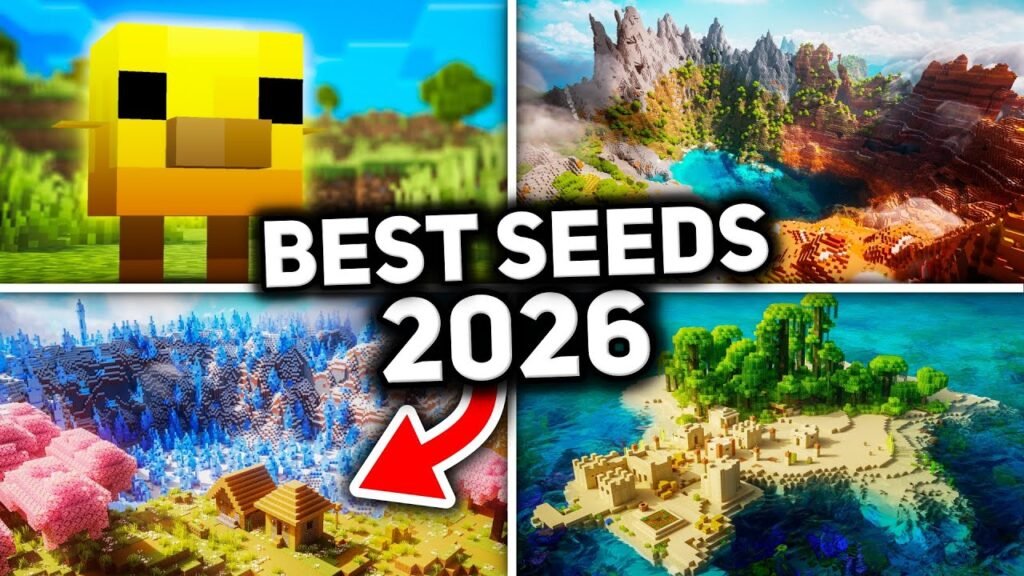

I was the type of person who would spawn into a new Minecraft world and spend ten minutes punching a tree, then wander aimlessly for what felt like an hour looking for literally anything useful—a village, a cave, or flat ground that wasn’t a flooded area. I did that for years until one day a friend asked me why I didn’t just use a seed.
What Is a Seed, and Why Should You Care?
Quick context if you’re new here: Every Minecraft world is generated from a code, called a seed, that dictates exactly how terrain, structures, and biomes lay out. Same seed, same version, same edition. Every time it produces the same world. So if somebody else finds a great spawn with a village, a couple of trial chambers, and a mountain nearby, you can generate that very same world for yourself by just typing in their seed number.
I spent way too many hours before I got this. Once it clicked, seed hunting pretty much became part of my pre-game ritual, like some people will spend time picking a character build before starting an RPG.
How to enter a seed correctly (step by step)
If you have never done this before, it is really easy:
- Open Minecraft and create a new world.
- For Java Edition, before creating the world, click “More World Options” and paste your seed number into the “Seed” box.
- On Bedrock Edition, the seed field is located in the world creation settings, usually under a similar “Game” or “World” tab depending on your platform.
- Make sure your game version matches the one the seed has been tested on. Major updates can change world generation, so a seed found for an older version might not give the same results in the current one.
- Make the world and let it make itself. Things can take a little while to load in as you explore, so don’t freak out if something that is mentioned in a guide isn’t visible right at spawn.
One extra tip: if you want to preview a seed’s layout before settling on it, there is a tool called Chunkbase that lets you enter a seed and see a map of biomes, structures, and key locations without having to load up the game first. Now I always use it before creating any new survival world.
My Picks for Survival in 2026
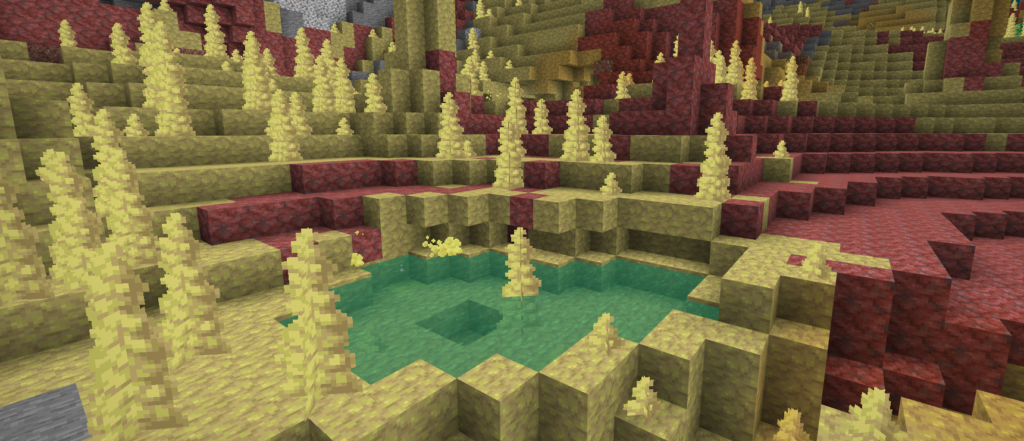
1. Chaos Cubed Starter—Sulfur Cave, Village, Desert, and Ocean
Seed: 110000004609178390
This one is especially relevant if you want to actually experience the new Chaos Cubed content, rather than wandering around forever looking for a sulfur cave. You begin with a village, desert, and ocean all fairly close together and a sulfur cave nearby as well. I went in expecting I’d have to travel a bit to find the new cave type and was surprised at how close it was.
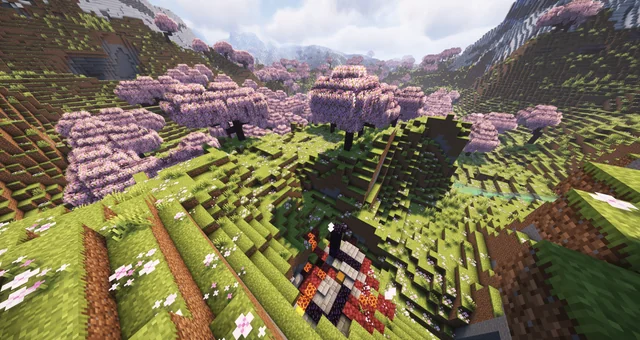
2. Cherry Grove Valley with 4 Test Chambers
Seed: 5634847558771179357
Honestly, this is one of my favorites for a longer-term world. You start out in a cherry grove valley, which is a beautiful base location on its own, and you have four separate trial chambers nearby, as well as a woodland mansion and a mushroom biome to the west. That’s a lot of mid-game to late-game content within a reasonable distance of travel, which matters a lot if you’re the type that wants a world that stays interesting for weeks rather than days.
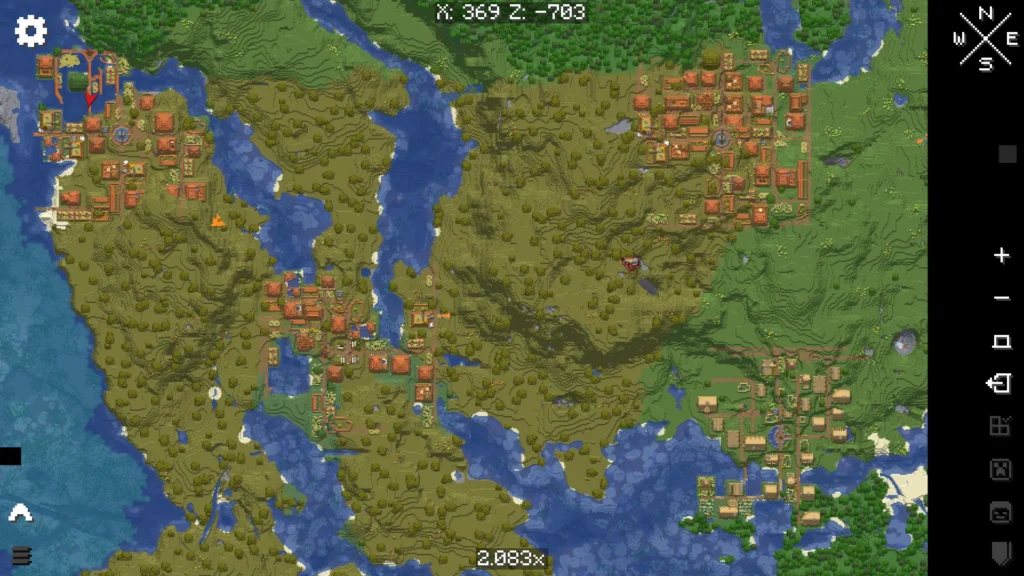
3. Four Villages Close to Spawn
Seed: 302304127329527063
If you play with friends or want some serious early trading access, this seed puts four separate villages around your spawn point. I tried this one out with a multiplayer world with two friends, and we each basically claimed our own village to start building around, which cut down on the usual argument over who gets first pick of the good spawn location.
4. Village for Beginners, Broken Portal, and Trial Chamber
Seed: -7417157268905316998
Tested on Java 1.21. This one has a village, a ruined portal, and a trial chamber all within about 700 blocks of spawn. If you are new to survival and want to avoid a rough early game, this gives you shelter, trading, and a mid-game goal all within a manageable early exploration distance.
5. Spawn of the Massive Ancient City
Seed: 4167799982467607063
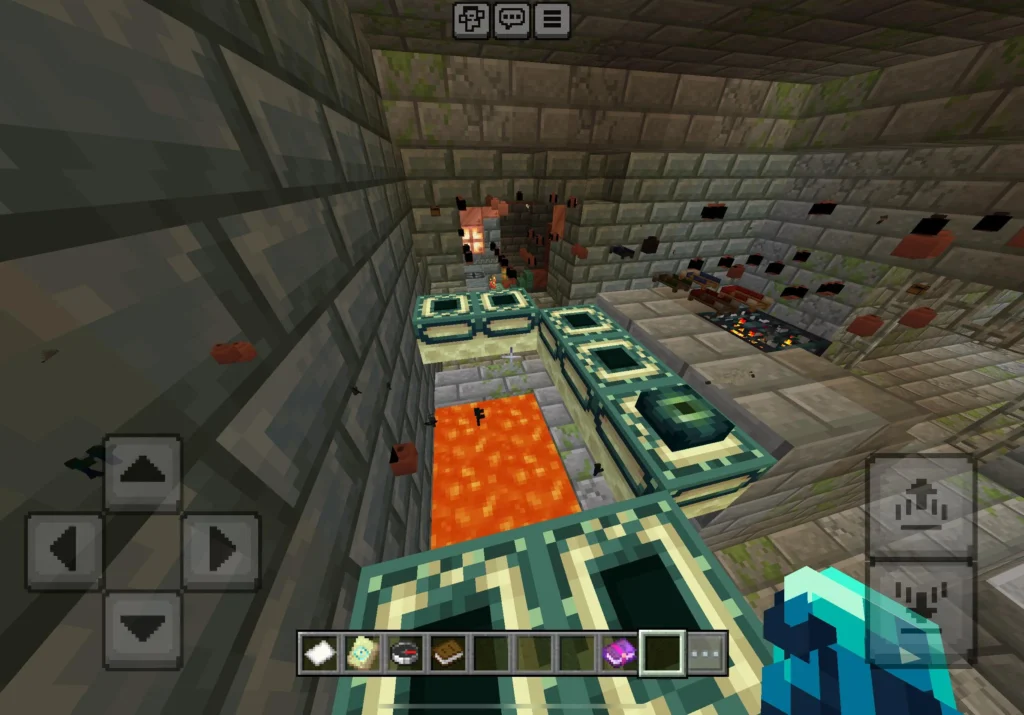
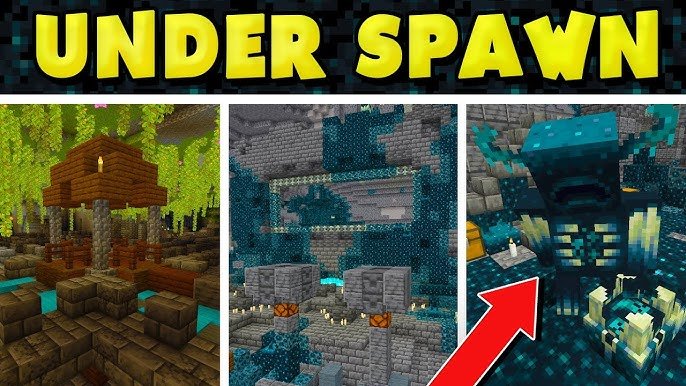
If you want loot in particular and don’t mind a little extra danger, this is the one I’d recommend. It has several ancient cities clustered together, meaning you can get your hands on some of the best loot in the game early on if you’re careful and know how to avoid alerting the Warden. My first try exploring this one, I got sniped by a Sculk shrieker and had to make a hasty retreat, so go in with proper sneaking discipline.
Mistakes People Make When Growing Seeds
Some things I’ve screwed up myself or seen other people run into:
- Using an old seed guide without checking the version. World generation changes with major updates, and a seed that worked beautifully on an older version can look completely different now. Always check what version a seed was tested on before committing.
- Assuming Java and Bedrock always generate identically. Terrain is usually similar across both, but exact structure placement can differ. If you’re on Bedrock, don’t be surprised if something is a bit off from a Java-tested description.
- Not previewing the seed first. Tools like Chunkbase take two minutes and save you from committing to a full world only to realize the actual spawn point isn’t what you expected.
- Forgetting to write the seed down before generating. If you didn’t manually enter one and instead want to keep a world you randomly generated and liked, check your world’s seed in the settings menu before doing anything else, so you don’t lose access to it if the save ever gets corrupted.
- Rushing straight to ancient cities without preparation. Seed 5 above is a great example. Bring proper gear, know how sculk sensors and shriekers work, and don’t go in loud.
Final Thoughts

Looking back, I really regret how many hours I spent wandering random spawns before I learned seed hunting was even a thing that regular players did. These five have held up well for me even with the recent Chaos Cubed content messing with world generation a bit, and honestly that Chaos Cubed-specific seed has become my personal go-to whenever I want to jump into a fresh survival world without wasting my first evening just looking for a decent spot to settle. Give one a shot, and if it isn’t quite your style, tools like Chunkbase make it easy to keep looking until you find the layout that actually fits how you like to play.
Useful Minecraft Links
For official Minecraft news, updates, downloads, and game information, check these trusted sources:
- Minecraft Official Website: http://www.minecraft.com
- Help Center: Minecraft Help
- Minecraft Wiki: Minecraft Wiki
- Xbox: Xbox Official Website
- PlayStation: http://www.playstation.com
Thank you for reading!
Thank you for reading this Minecraft article on GamingMuzz! We hope you found the information useful and that it helps you enjoy your Minecraft adventure even more.
If you enjoyed the article, feel free to share it with your friends and fellow Minecraft players. Your support helps GamingMuzz continue creating more gaming guides, tips, news, and helpful content.
Stay Tuned for More!
More Minecraft guides, gaming news, tips, tricks, and interesting articles are coming soon. Bookmark GamingMuzz and visit us again so you don’t miss our next article.
Until next time, keep crafting, keep exploring, and keep gaming! ⛏️🎮
Thanks for visiting GamingMuzz. See you in the next article! 👋