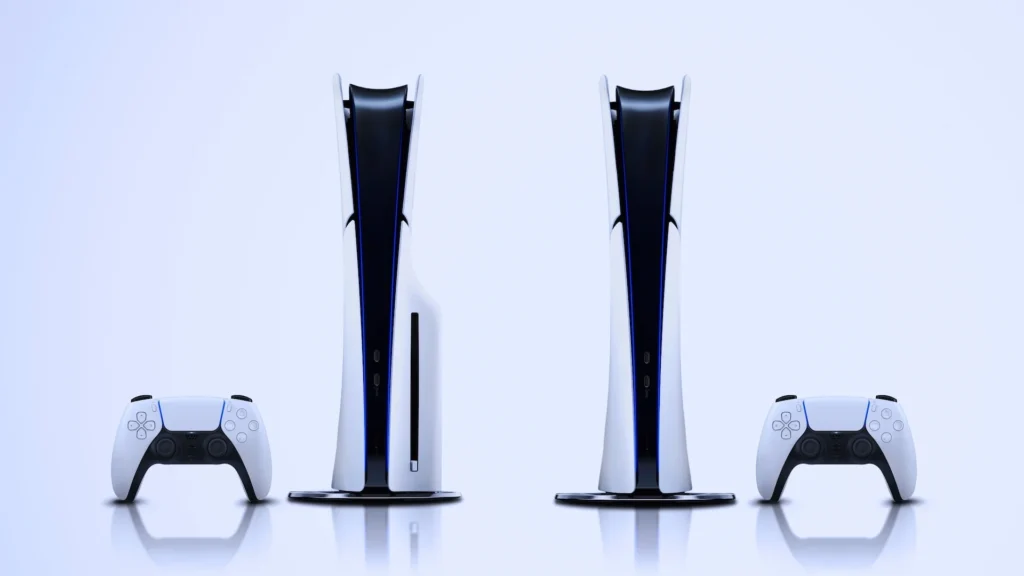

Last month my cousin called me in mild panic. He just saw a “deal” on a PS5 and wanted to know if he should get it before it sold out. Twenty minutes later I realized that he didn’t even know there were two different versions. He almost bought the Digital Edition, thinking he could still pop in his old God of War disc from his PS4 days.
That discussion is the reason this article exists.I have owned both versions at different times, first the Disc Edition and then switching to Digital when I upgraded, and the difference matters a lot more than the price tag on the box would lead you to believe.
The Real Difference (NO FLUFF)
The Digital and Disc Editions are identical on the inside of the console. Same processor, same speed, same GPU. The only physical difference is one has a slot for Blu-ray discs and the other doesn’t. That’s all. That’s the hardware story in a nutshell. But that one missing slot affects your use of the console more than people realize.
Why I Went From Physical to Digital
When I first got my PS5, I got the Disc Edition, mostly because I still had a small shelf of PS4 discs I wanted to keep using—mostly Spider-Man, Horizon Zero Dawn, and a beat-up copy of Bloodborne I bought secondhand for eight dollars.
A year later I moved apartments and decided to downsize. I sold my collection of discs and got the Digital Edition for my second console (yes, I’m one of those people with one in the living room and one hooked up in the bedroom—don’t judge me).
Here’s the real story behind the switch:
The Good Part:
No more getting up to change discs. All the stuff just instantly appears from the menu. I didn’t think it would make much difference, but after a few weeks I genuinely stopped noticing discs existed.
The part nobody warned me about:
Storage fills up quickly. The PS5 has about 825GB of usable space, and a few big games, especially Call of Duty, can take up over 100GB each. I got a Western Digital Black SN850X external SSD just to keep up. That’s a cost that people forget to plan for.
So which one should you buy then?
The way I’m going to do this analysis is break it down by the type of gamer you actually are, because “it depends” is not constructive advice in itself.
Choose this If you want the Disc Edition: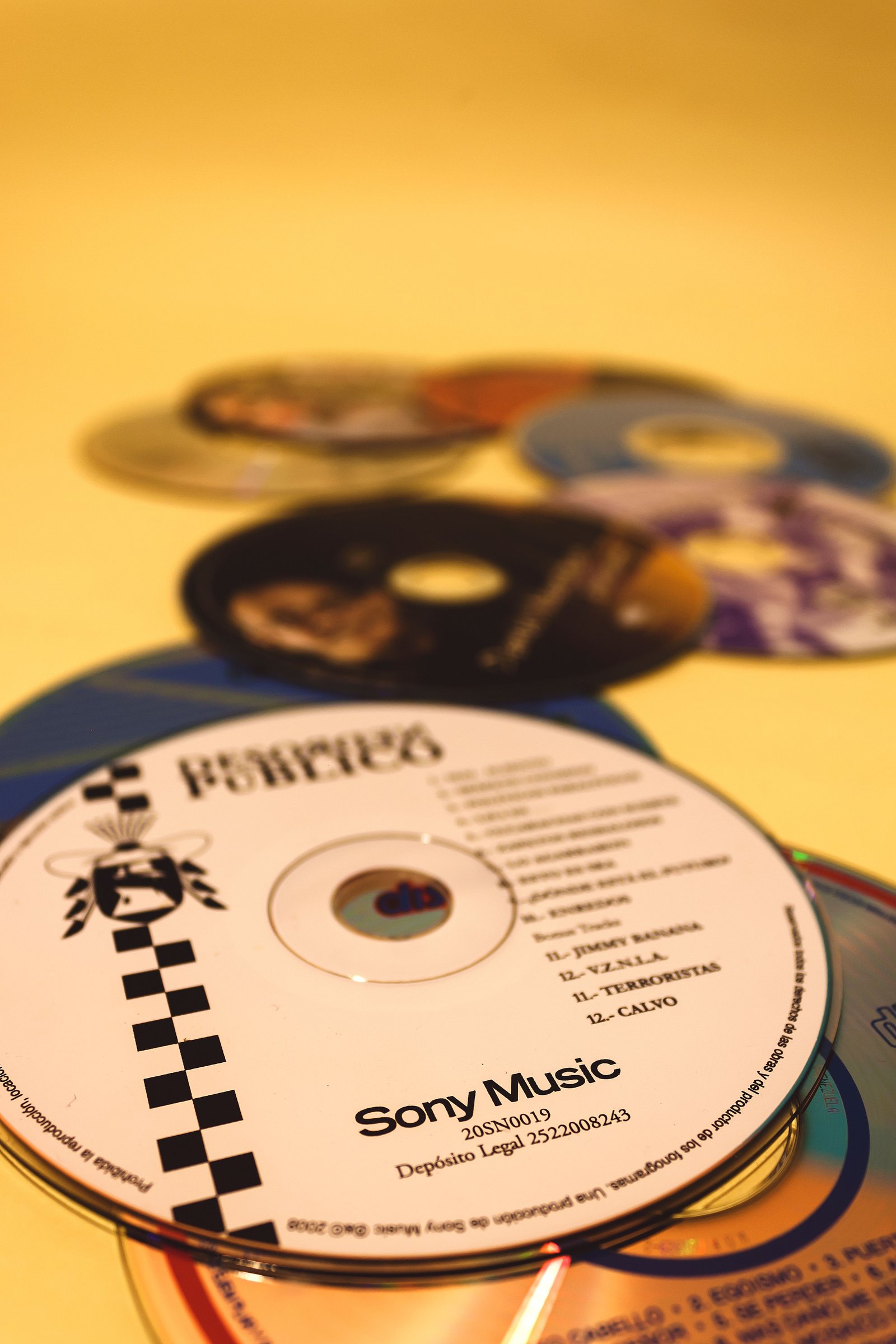
- PlayStation 4 and PS5 disc games you do not want to rebuy
- GameStop used game sales and friend trading appeal to you.
- You want to play a game and then sell it on.
- You want to buy games for kids and have a physical way to control what they can access (a disc has to be physically taken away no shared login shenanigans
Chosse this If you want the Digital Edition: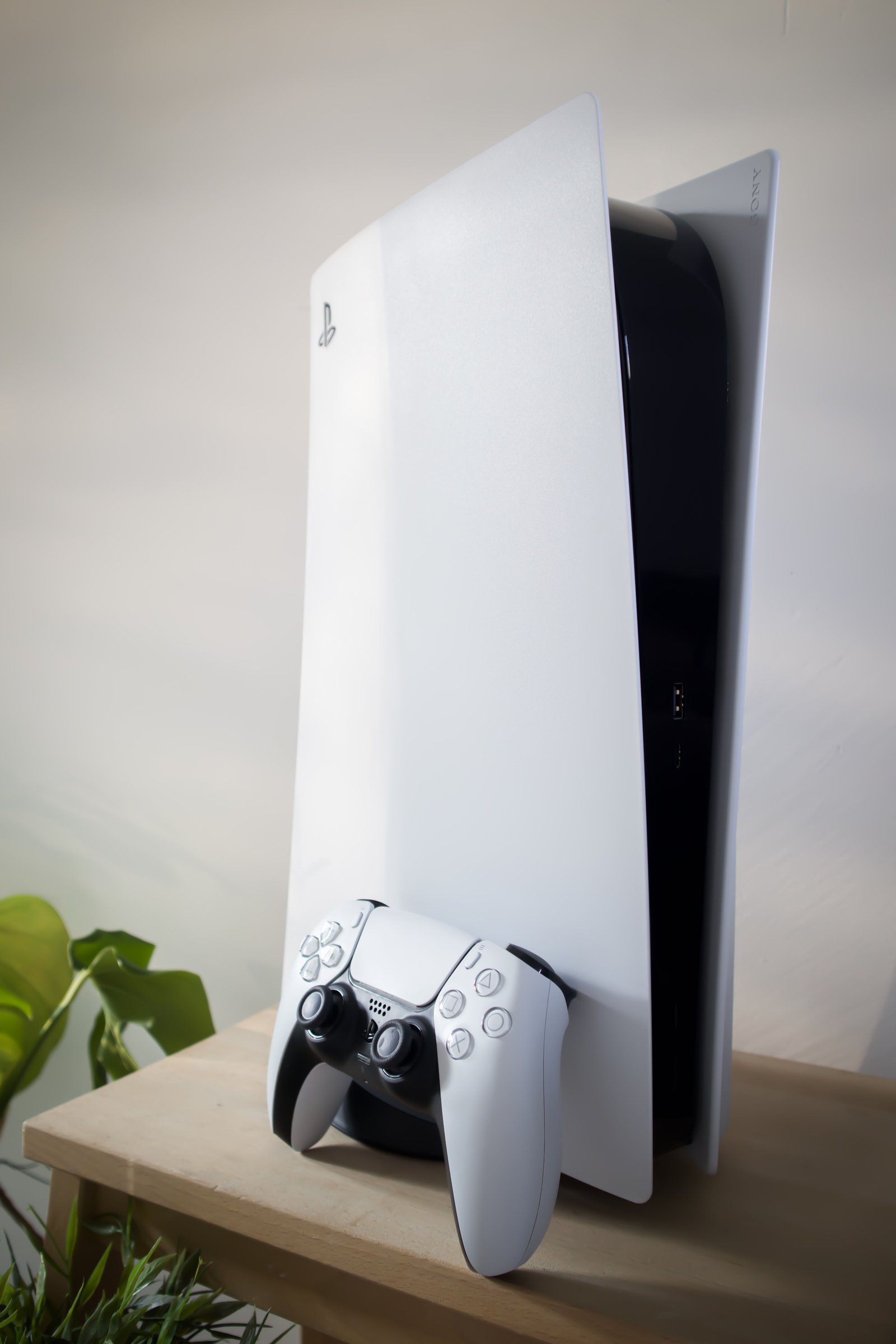
- Most games are bought at the PS Store.
- You don’t care about reselling games later
- You want a slightly smaller, lighter console (it’s a bit more compact without the disc drive)
- “You’re getting it as a second console for a different room and don’t need physical media there.
A Mistake I See People Make All the Time
The worst mistake is not looking at the game prices before going for the “wrong” edition
Many people think digital games are always cheaper. Sometimes, especially during PS Store sales. That said, new releases are often the same price digitally as they are on disc, and sometimes discs are actually cheaper if you shop around at places like Amazon Warehouse or during Black Friday deals at Best Buy.
I did the same thing with Elden Ring. I bought it digitally on day release at full price because I was excited and didn’t want to wait. Three weeks later, it was $15 cheaper in a local shop clearing shelf space. Lesson learned: unless a game is time-sensitive for you (like wanting to play online with friends on day one), it’s worth waiting a week or two and comparing.
Storage Space, What About It?
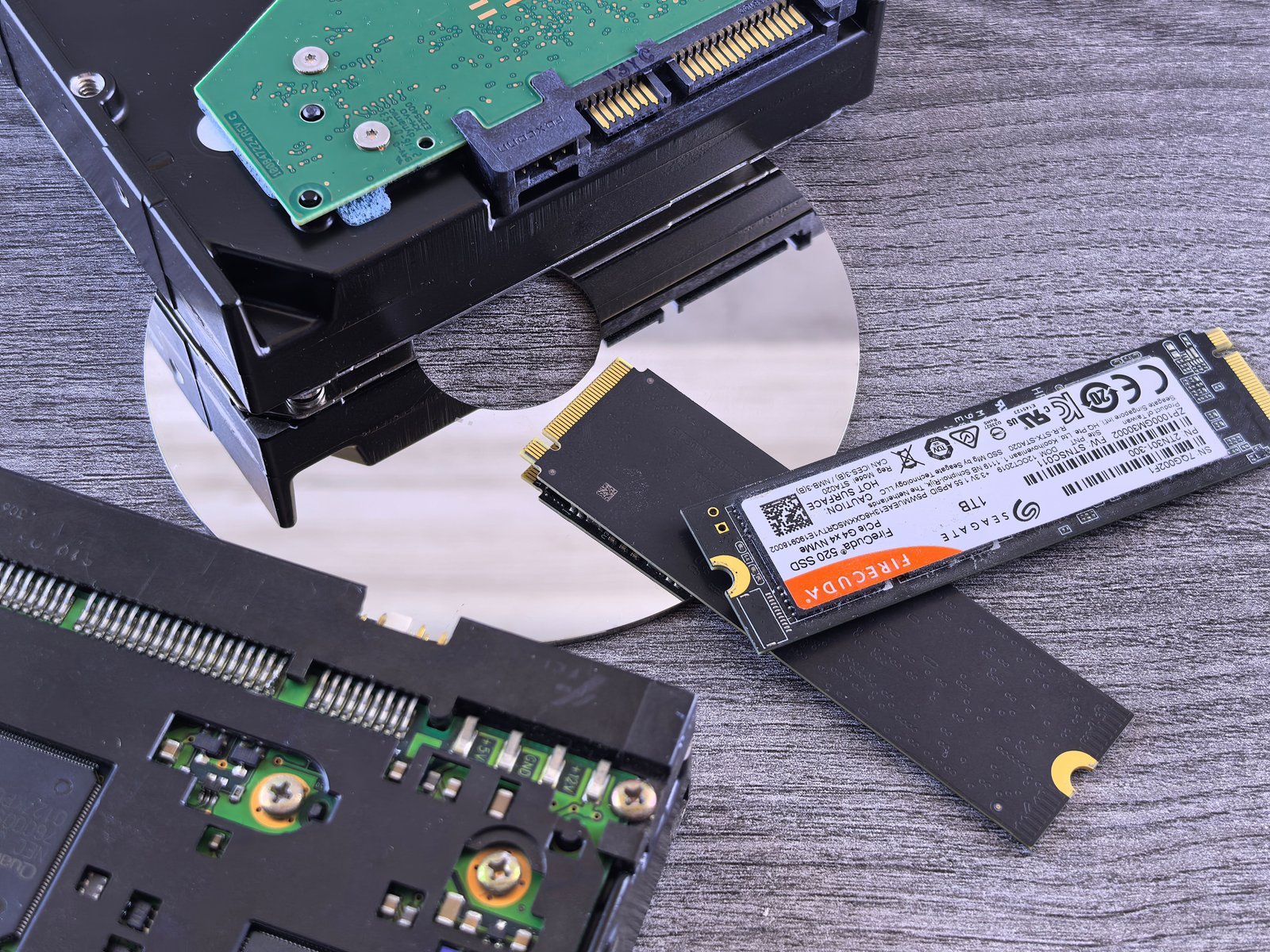
This is the part that people underestimate the most, whether digital or disc.
Even the Disc Edition technically installs the game to the internal drive—the disc mostly serves as a license check and stores some data, but most games still require install space. So don’t think Disc Edition magically frees up space. Well, not really. It doesn’t.
If you go all digital, you should plan to buy storage soon. Here is what I did.
1. For your first 3-4 games, use the console’s default internal storage.
2. If you have less than 100 GB free, get an external SSD; the WD Black and Seagate Storage Expansion Card both work fine and are officially supported.
3. Don’t delete games you aren’t actively playing to external storage (PS5 allows you to do so from the settings menu without redownloading everything from scratch).
The Resale Value We Don’t Talk About
This title was the one that changed my mind the most when I was deciding.
If you buy digitally, that game always stays attached to your account. Good if you never over-sell anything. Bad news if you’re the kind of person who finishes a 40-hour game and immediately wants to put some cash back towards the next one.
When I had a PS4, I used to sell games all the time, usually getting $15-20 back in store credit at GameStop and sometimes more on Facebook Marketplace or in local trade groups. If you do so, digital games effectively remove that option entirely. You bought it. You own it for life. But you’ll never see a dime from it.
A Quick Real-World Scenario
Suppose you and a friend both want to play the same single-player game.
With a disc, you literally hand them the case when you’re done. They play it, maybe you trade it back later, no extra cost to either of you.
With digital, unless you’re using PS5’s Console Sharing and Offline Play feature (which allows a second account on the same console to access your digital library), your friend will have to buy their copy. It’s a really useful feature and one that not many people know about, but it only works if the second person is playing on your actual console, not remotely.
Common Mistakes You Should Avoid

You should avoid assuming that digital is cheaper by default. It is not always. Price comparison.
Not considering the cost of external storage when digitizing. Finally, add another $80-150 for a decent SSD.
Buying a disc edition to “future-proof” your purchase without even checking if you will buy physical games is a mistake.
If you know you’re going to buy 90% of your games digitally anyway, the disc drive is just dead weight that you paid more for.
Not checking if a used game works properly before buying second-hand. Scratched discs can be a real problem; always check the condition yourself if you can.
Not to mention that both editions have to be connected to the net to update anyway. Even disc games usually have a day-one patch to download before you can properly play online. But just because you go with a disc doesn’t mean you’re offline-proof.
My Real Opinion
If you asked me flat out which one to buy, here’s my honest answer. If you already buy used games or resell ones you finish, get the Disc Edition. It’ll save you real money over a couple of years. If you buy during sales, don’t mind being stuck with a library forever, and want a slightly cleaner, quieter setup, then digital is genuinely great, and I don’t regret switching.
The other is the “dumb” choice, and neither is the “smart” one. It really depends on how you play, not how you think you’ll play. That’s the part my cousin didn’t consider before she almost bought the wrong one, and it’s probably the one thing worth figuring out about yourself before you spend the money.