
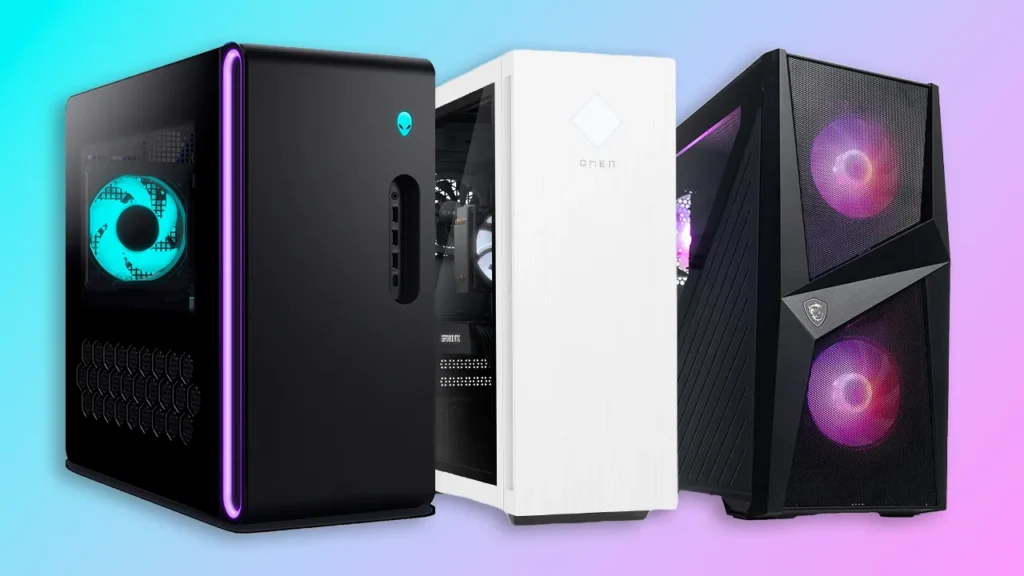

Shopping Experience at Hafeez Center
I stood in Hafeez Center in Lahore with a paper in my hand with components copied from a Facebook group.
I was bombarded with shopkeepers quoting me different prices for the same graphics card.
It took a friend who actually knew hardware to point out that the box looked old.
Additionally, the warranty sticker was missing, which was a risky purchase.
One guy quoted me 15,000 rupees less than others for a “RTX 4060”.
I wouldn’t have bought it if I’d had someone more experienced to ask.
Buying an Affordable Gaming PC as a student in this country isn’t like some generic international buying guide. However, The dollar exchange rate constantly changes, gray market parts are floating around.
Additionally, the mix of local shops vs Daraz makes it a really different experience than what most tech articles assume. This is all I wish someone told me before I went shopping.
Why This Is Genuinely Different From a Typical PC Buying Guide
Most guides to gaming PCs assume prices are stable and that all brands of components are readily available new.
However, that’s not how we do it here for an Affordable Gaming PC.
For Pakistanis, imported components account for most of the PC market.
Prices fluctuate with the dollar rate, sometimes drastically in a matter of weeks.
What your friend paid for a build a month ago might be higher.
Alternatively, it may be lower when you’re actually shopping.
Add in a real mix of brand new stock, older leftover stock being sold as “new” and a truly active used component market . All three of these converge in places like Hafeez Center in Lahore, and Saddar in Karachi, and if you are new to this it takes a bit of street savvy to figure out which is which.
Setting a Realistic Budget First
Make sure your tier is clarified before looking at builds. The difference between ranges is marked.
Under 60,000 PKR will get you into real entry level territory, older gen processors with budget GPUs like the RX 580. It’ll be decent at running esports titles like Valorant and CS2 at 1080p, but you shouldn’t expect to be able to comfortably touch newer AAA releases.
Around 95,000–100,000 PKR is honestly the sweet spot for most students right now. This range typically gets you a 6-core AM4 platform processor paired with something like an RTX 4060 or RX 7600 if you stretch toward the top of that budget, handling 1080p high settings across most popular titles including Valorant, CS2, PUBG, and Fortnite comfortably, plus AAA games at medium settings with playable frame rates.
150,000+ PKR starts moving into genuinely comfortable territory, pairing something like a Ryzen 5 7600 with an RTX 4060 for a build that’ll stay relevant for years rather than needing an upgrade within a year or two.
I would tell any student to aim for that middle tier if you can possibly save up for it. I started out trying to stay under 60k and then about 6 months later when newer games started to struggle with my setup I regretted it.

Step-by-Step: How I’d Actually Shop for This Now
- Decide between prebuilt and custom-assembled before you start browsing. Prebuilt options from local shops or Daraz are more beginner-friendly and usually come with a clearer warranty trail. Custom builds, picking each component yourself, can save money but expose you to more risk if you don’t know what you’re checking.
- Check prices across at least three sources before committing. I compare local shop quotes, Daraz listings, and prices mentioned in Pakistani PC building communities on Facebook and Reddit before deciding anything. Daraz typically runs a little higher than cash prices at places like Hafeez Center, but you get a clearer paper trail and easier returns if something’s wrong.
- Ask for the invoice date on any GPU before paying, especially anything advertised as a recent model. This is exactly the mistake I almost made. Older stock gets relabeled and sold at a discount that looks tempting until you realize the warranty is basically worthless.
- Confirm the actual PSU brand and rating, not just the wattage number. A listing that just says “600W” with no brand or 80+ certification mentioned is a red flag. Ask directly, and if the seller can’t tell you, that’s worth walking away from.
- If you’re buying anything with used or older components, ask for a stress test before paying. A quick FurMark run on the GPU, or just watching the shop boot the system and run a demanding game for a few minutes, can reveal problems before you’ve handed over cash you can’t easily get back.
- Double-check the exact price on the day you’re buying, not from a screenshot or quote from weeks earlier. Given how much component pricing shifts with the dollar rate here, a “confirmed” price from even two or three weeks ago can genuinely be outdated by the time you’re ready to actually purchase.
What I’d Actually Recommend for Most Students
For example, if you are a student who mainly plays competitive games like Valorant, PUBG Mobile on emulator, CS2 or Fortnite in addition to regular coursework, browser tabs and perhaps some light editing work, then the 95,000-100,000 PKR tier really does cover your needs well without overspending on power you won’t use.
For a realistic build in that range you’re looking at a 6-core AM4 platform processor (something in the Ryzen 5000 series once you do the BIOS update on cheaper motherboards), with an RX 580 or similar budget GPU if you’re closer to 60-70k, and stepping up to an RTX 4060 or RX 7600 if you can stretch to the top of that 100k range. Add at least 16GB of RAM, and don’t skimp on a decent SSD, even if it’s a small one, because it really makes a much bigger day-to-day difference than people expect coming from an old HDD-only laptop.Want to buy second hand processors go to http://www.olx.com
Common Mistakes Students Make Buying Their First Gaming PC Here
A few things I’ve seen repeated constantly among friends and classmates going through this same process:
- Chasing the cheapest quote without asking why it’s cheaper. There’s almost always a reason, older stock, no warranty, a missing component detail, and it’s worth asking directly rather than assuming you just found a great deal.
- Ignoring the PSU entirely. It’s the least exciting part of any build, and it’s exactly the part budget sellers tend to cut corners on without mentioning it upfront.
- Buying based on a price seen weeks ago. The dollar rate genuinely moves fast enough here that old price screenshots aren’t reliable by the time you’re ready to buy.
- Overspending on a flashy case or RGB lighting while skimping on the GPU. I made a version of this mistake myself, prioritizing looks over the component that actually determines your frame rate.
- Not asking for any kind of warranty or return window, even an informal one from a local shop. Even a short window protects you if something’s dead on arrival.
- Assuming every shop in a market like Hafeez Center or Saddar operates the same way. Reputation varies a lot shop to shop, even within the same building. Ask around in local PC building groups for names people have actually had good experiences with.
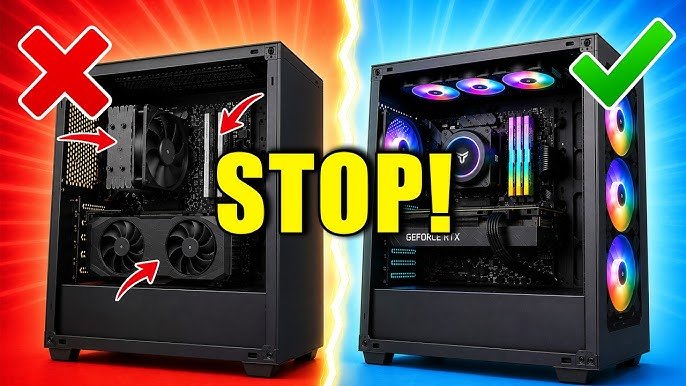
A Quick Word on Prebuilt vs. Local Assembly
If you’re hesitant to assemble or troubleshoot a custom build yourself, there’s no shame in going prebuilt from a shop that offers proper warranty support. I know many students, myself included when I was starting out, who weren’t confident enough to build from scratch and did this instead. The main trade-off is usually a slightly higher price for the convenience and support which can really be worth it for a first time buyer.
“My Own Review”
Looking back at that moment in Hafeez Center almost buying a used GPU that was marked as new, I think the biggest lesson from this whole process wasn’t really about specific components at all. It was learning to ask the right questions before handing over money, invoice dates, PSU brands, actual warranty terms, not just trusting a good sounding price. If you are a student here, and you want to get into PC gaming, but you don’t want to spend a lot of money, or get stuck with a bad component, take your time, compare a couple of sources, and don’t be afraid to ask a shop goalkeeper questions that make them a little uncomfortable. Those peddling questionable stock are rarely the ones who stick around to answer those questions with confidence.
Looking to upgrade your gaming setup? Check out gaming mice, keyboards, headsets, mousepads, and other PC accessories from gaming retailers.
If you want to buy PC/gaming products and Gaming Gears:Go to the links given below:
Computer Zone Pakistan: https://www.czone.com.pk/
RB Tech and Games: http://www.rbtechngames.com
Zestro Gaming: http://www.zestrogaming.com
For Second Hand Products Go to: http://www.olx.com
Thank You for Reading
Thanks for checking out this PC Building Guide on GamingMuzz! 🖥️
We hope this guide helped you understand the important PC components and gave you some useful ideas to build or upgrade your gaming PC.
If this is your first time building a PC or you’re upgrading an existing setup, ensure you purchase your components wisely and that they are compatible with each other.
Thanks for visiting GamingMuzz!
Keep checking back for more PC building guides, gaming hardware recommendations, performance tips, and gaming content.
Build smart, game hard, and enjoy your setup! 🖥️
Our Website Link: http://www.gamingmuzz.com