
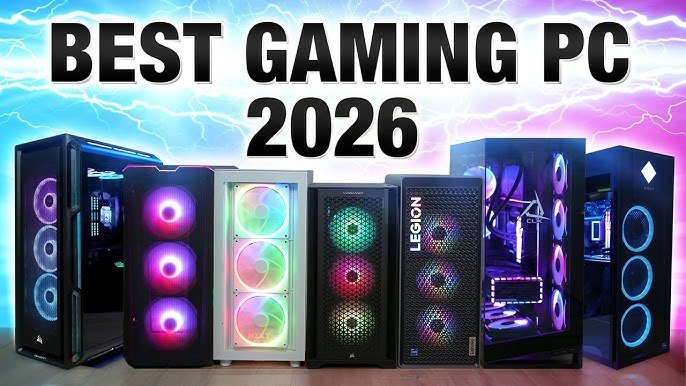

I once bottlenecked a genuinely expensive graphics card with a motherboard I bought because it looked cool and was on sale. I didn’t know what I’d done until months later looking at frame rates that just didn’t match what every benchmark video promised and wondering if I had a defective card. It was not the card. Everything that was quiet around it stopped it.
That mistake taught me one thing that applies directly to anyone planning a truly high-end build in 2026: the hard decision is never the flagship part. Builds really succeed or fail in everything that backs them. Now that the RTX 5090 is the star of the show for most enthusiasts, I want to go over exactly what I’d actually put into a serious high-end rig right now, and where the real mistakes tend to happen.
The GPU: RTX 5090 Is the Centerpiece, and It’s a Genuinely Different Beast
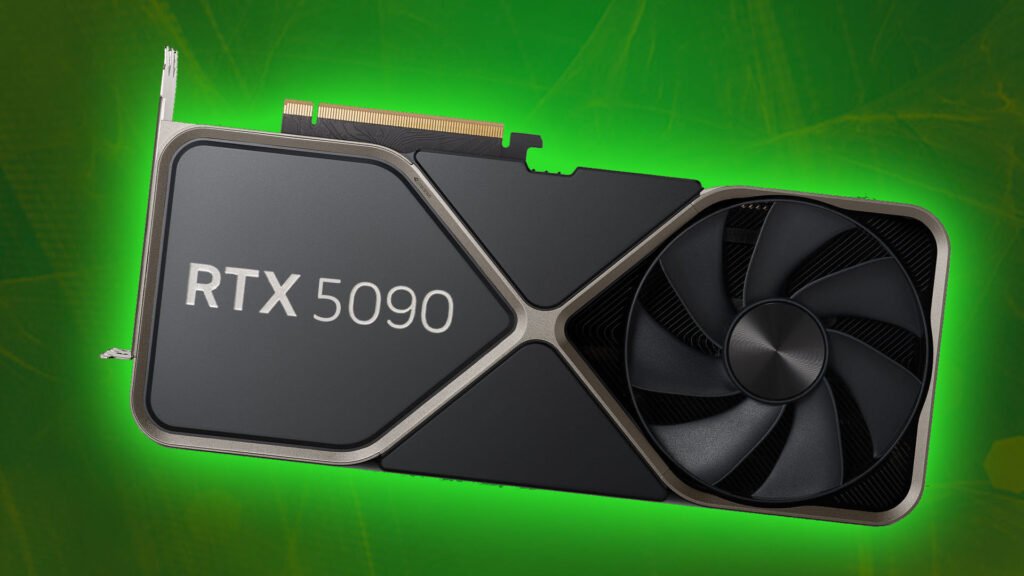
We begin here because everything else in a high-end build is sized around this card. The RTX 5090 is based on a GB202 die made on TSMC’s 4NP process, with 21,760 CUDA cores and 32 GB of GDDR7 memory on a 512-bit bus, providing around 1,792 GB/s of memory bandwidth. These aren’t just big numbers on a spec sheet – this bandwidth actually translates to real world 4K performance and heavy content creation workloads in a way that smaller cards simply can’t match.
However, the number that matters for planning your budget is that this card runs at a 575W TDP. That one number is going to dictate your PSU choice, your case airflow and frankly your cooler choice too. I’ve seen builders sink serious money into the card itself only to then completely underestimate what that power draw actually demands from everything else in the system.
Prices have been really all over the board. Standalone cards have been popping up anywhere from around $3,400 to over $5,000 depending on retailer and timing, with realistic in-stock pricing clustering closer to the $4,000 mark. Interestingly, we’ve seen complete prebuilt systems with a 5090 inside sell for just a few hundred dollars more than a bare card’s price, which is worth considering if you’re weighing building it yourself versus buying prebuilt.
The CPU: Don’t Just Grab the Biggest Number
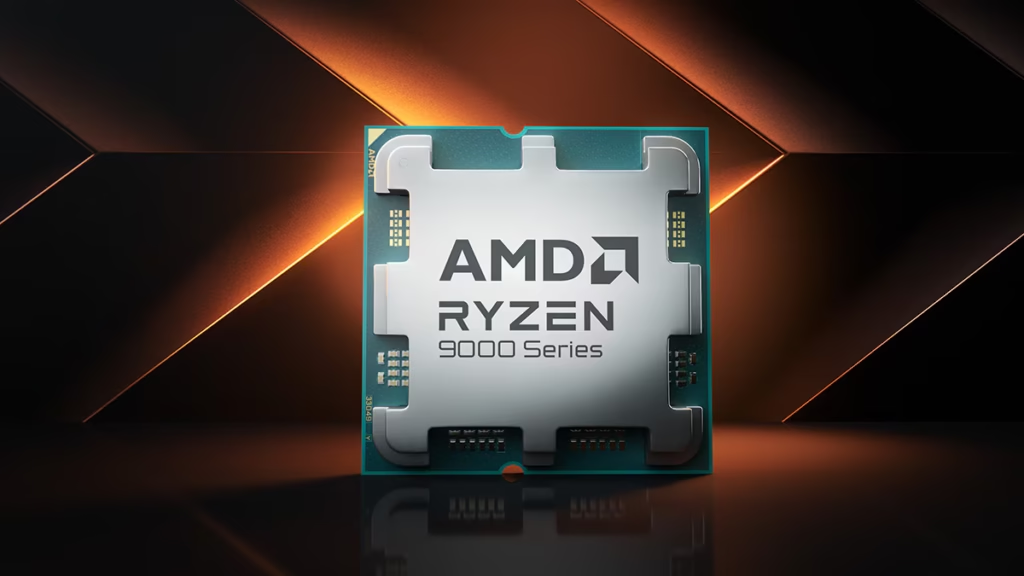
This is the place where I see people spend too much money but don’t actually get better at gaming. If you are building mainly for gaming, the X3D chips from AMD are genuinely the right option, as their 3D V-Cache configuration will keep a card like the 5090 well-fed without being a bottleneck.
The Ryzen 7 9800X3D ($479 MSRP) is still a great pure-gaming choice, with 8 cores and 16 threads and 96 MB of L3 cache. If you can find the newer Ryzen 9850X3D ($499 MSRP or so), it jumps the boost clock to 5.6 GHz from the 9800X3D’s 5.2 GHz, while maintaining the same core configuration and cache size. The real difference in gaming performance between the two is actually quite small, though.
If you’re not just gaming but also doing serious content creation, streaming or rendering work, then step up to something like the Ryzen 9 9950X3D for the extra cores and threads, or look at Intel’s Core Ultra 9 if you’re building on that platform instead. If your workload is gaming oriented, don’t pay flagship prices for core counts you won’t actually use. http://www.microcenter.com
Motherboard: This Is Where My Old Mistake Lives
I want to be very clear on this because that is exactly where I went wrong years ago. You don’t just lose performance by pairing a high-end GPU with a mediocre motherboard, you can actually end up with instability under sustained load that’s hard to diagnose if you don’t know what you’re looking for.
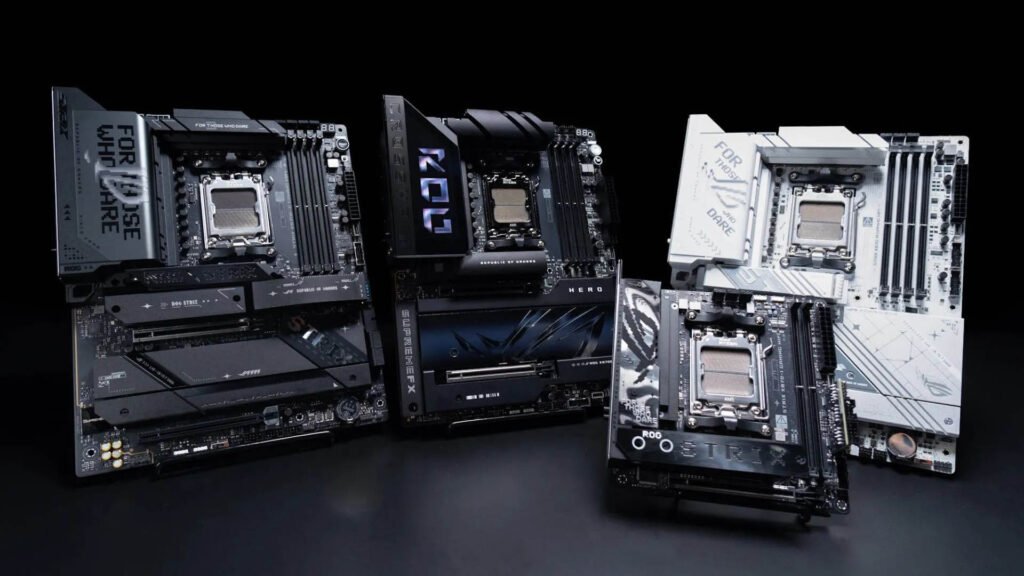
For an AMD build you want a current generation X870E board so that you can get the fullest feature set. Boards like the ASUS ROG Crosshair X870E Hero or ASUS ROG Strix X870E-E Gaming WiFi are truly built for this tier of hardware with proper VRM cooling and PCIe 5.0 support for both your GPU and storage. If you want to save some budget without actually compromising what a 5090 needs, a solid X870 or B850 board can still handle it well, freeing up money for your PSU and cooling instead.
On the Intel side, look at Z890 boards, something like the MSI MEG Z890 Ace or ASUS ROG Maximus Z890 Hero, both built with the VRM capacity and PCIe 5.0 support this tier of build actually demands.
The rule I stick to now: Never buy a motherboard for a build at this tier just because it looks good or is on sale. What is the first thing to look at? The VRM design and PCIe 5.0 support.
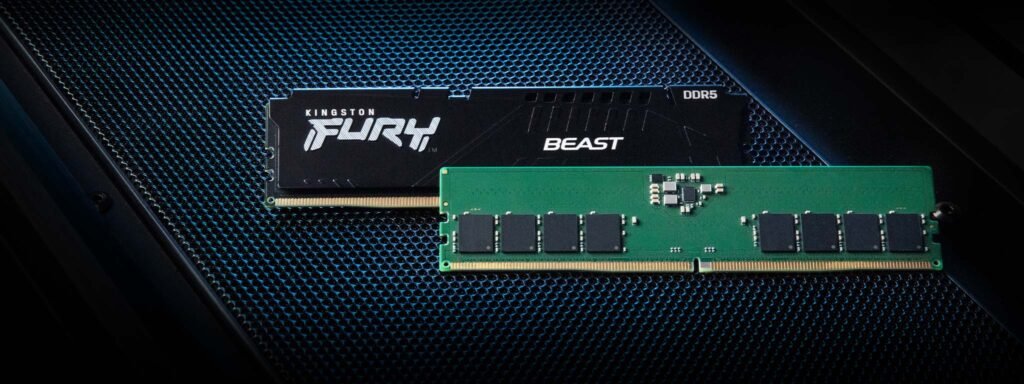
RAM: 32GB DDR5 Is the Realistic Baseline Now
32GB of DDR5 is actually the reasonable baseline in 2026 for a build centered around a card like the 5090, not the “nice to have” it may have felt like a couple years back GB. 32GB of DDR5 is actually the reasonable baseline in 2026 for a build centered around a card like the 5090, not the “nice to have” it may have felt like a couple years ba32 GBck. If you’re serious about multitasking and gaming, streaming while gaming, running heavy background applications and stepping up to 64GB it gives you real headroom so you won’t have to think about it again for years. If you’re serious about multitasking and gaming, streaming while gaming, running heavy background applications and stepping up to 64GB it gives you real headroom so you won’t have to think about it again for years.
I wouldn’t go overboard chasing an extreme capacity like 128GB or more unless you’ve got a specific professional workload that actually needs it. For the vast majority of even serious enthusiast builds, that’s genuinely more than you’ll use.
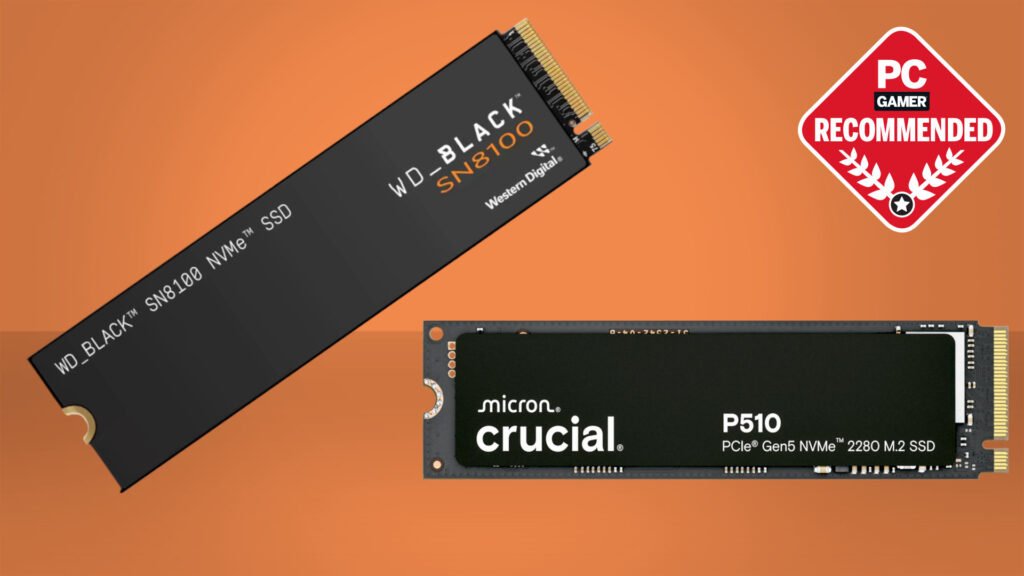
Storage: Don’t Skip a Proper Gen5 NVMe Drive
I have seen this more than once, a 575W flagship GPU paired with a leftover Gen3 SSD from an old build, real mismatch. A proper PCIe Gen5 NVMe SSD actually harnesses the platform’s full bandwidth and cuts load times for demanding titles and large creative files dramatically. It’s not the sexiest purchase on this list, but it’s one of the easiest ways to leave real performance on the table if you cheap out here after spending big on the GPU.
PSU: The Component Most People Underspec, and the Most Dangerous One to Get Wrong
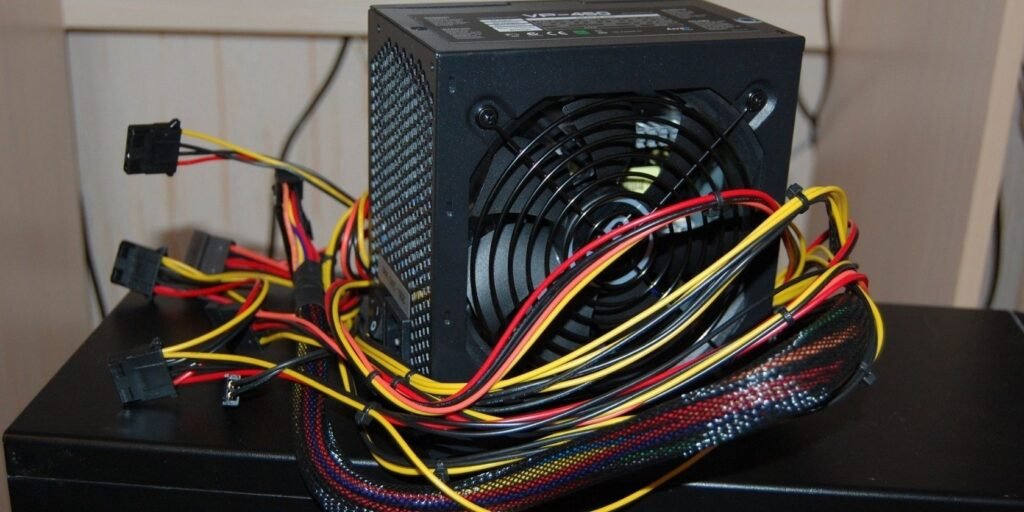
And I want to be very clear about this one because this is really not just a performance issue, this is a safety and stability issue. With a 575W GPU and a high end CPU under sustained load, you need a power supply with real headroom, not just a number that technically adds up on paper.
Step-by-step for getting this right:
- Add up your GPU’s TDP (575W for the 5090) plus your CPU’s typical power draw under load.
- Add meaningful headroom on top, don’t build right up to your PSU’s rated capacity.
- Choose a reputable brand with proper 80+ Gold certification or higher, not a generic unit with just a wattage number printed on the box.
- Confirm it has the correct GPU power connectors for your specific card, since connector mismatches and adapters are a common source of real problems at this power level.
Cooling and Case: Airflow Isn’t Optional at This Power Draw
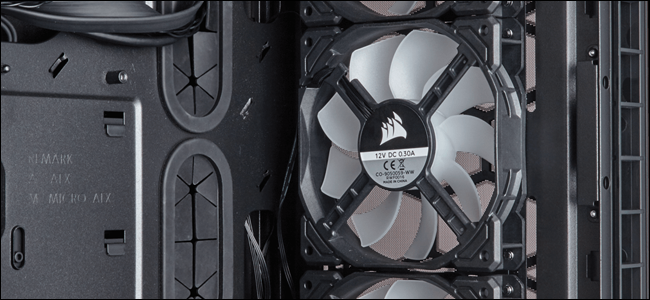
A 575W GPU puts out some serious heat and pairing it with a case that doesn’t move air correctly is asking for thermal throttling no matter how good your individual components are. Pick a case that has real airflow potential, multiple fan mounts for intake and exhaust, not one picked out just because it looks good. Add that to a good CPU cooler, be it a high end air cooler or a good all in one liquid cooler in the correct size for whichever CPU you’ve chosen above.
Step-by-Step: How I’d Actually Plan a Build Like This
- Start with your GPU and CPU choice together, since they define your power and platform requirements for everything else.
- Pick your motherboard based on VRM quality and PCIe 5.0 support, not aesthetics or a discount price.
- Budget your PSU with real headroom above your calculated draw, not right at the edge.
- Choose case airflow before case looks. You can always add lighting later; you can’t easily fix a case that doesn’t breathe.
- Don’t forget storage bandwidth. A Gen5 NVMe drive is a small line item compared to your GPU cost, but it matters more than people expect.
- Verify current prices right before purchasing, since this market moves fast and a price you saw even a few weeks ago may no longer be accurate.
Common Mistakes to Avoid
- Buying a flagship GPU and pairing it with a budget or mid-tier motherboard. This is exactly the mistake that taught me this lesson personally, and it’s more common than you’d think.
- Underspeccing the PSU to save money. At this power level, that’s not a place to cut corners.
- Prioritizing core count over gaming-optimized cache if your build is primarily for gaming. The X3D chips exist for exactly this reason.
- Ignoring case airflow in favor of a good-looking build. Heat doesn’t care how nice your case looks.
- Assuming a quoted price is still accurate weeks later. This segment of the market moves fast enough that double-checking before you actually buy is genuinely worth the extra few minutes.
Final Thoughts
Chasing the single most expensive part you can afford is not high-end building in 2026. It’s about ensuring that nothing else in the system is silently working against it. I learned that lesson the hard way, watching benchmarks that were underwhelming and had nothing to do with the real graphics card that I paid good money for. Actually get your motherboard, PSU, and cooling matched to whatever flagship GPU and CPU you’re building around and you’ll actually see the performance you paid for instead of wondering months later why it never quite showed up.
“🔗 Useful PC Hardware Links”
NVIDIA>http://www.nvidia.com
INTEL>http://www.intel.com
ASUS>http://www.asus.com
🙏 Thank You
Thank you for reading “Best High-End Gaming PC Parts to Buy in 2026” on GamingMuzz! 🖥️🎮
We hope this guide has helped you to understand the important components of building a powerful gaming PC. Whether you’re upgrading your current rig or building a brand new one, selecting the right parts can make a huge difference in gaming performance.
👋 Until Next Time
That’s all for today’s guide!
Keep visiting GamingMuzz for more PC builds, hardware guides, gaming tips, product recommendations, and gaming news.
Build powerful. Game harder. Enjoy every frame! 🔥🖥️🎮
Until next time — happy gaming!
Our Website Link>http://www.gamingmuzz.com
— GamingMuzz Team